
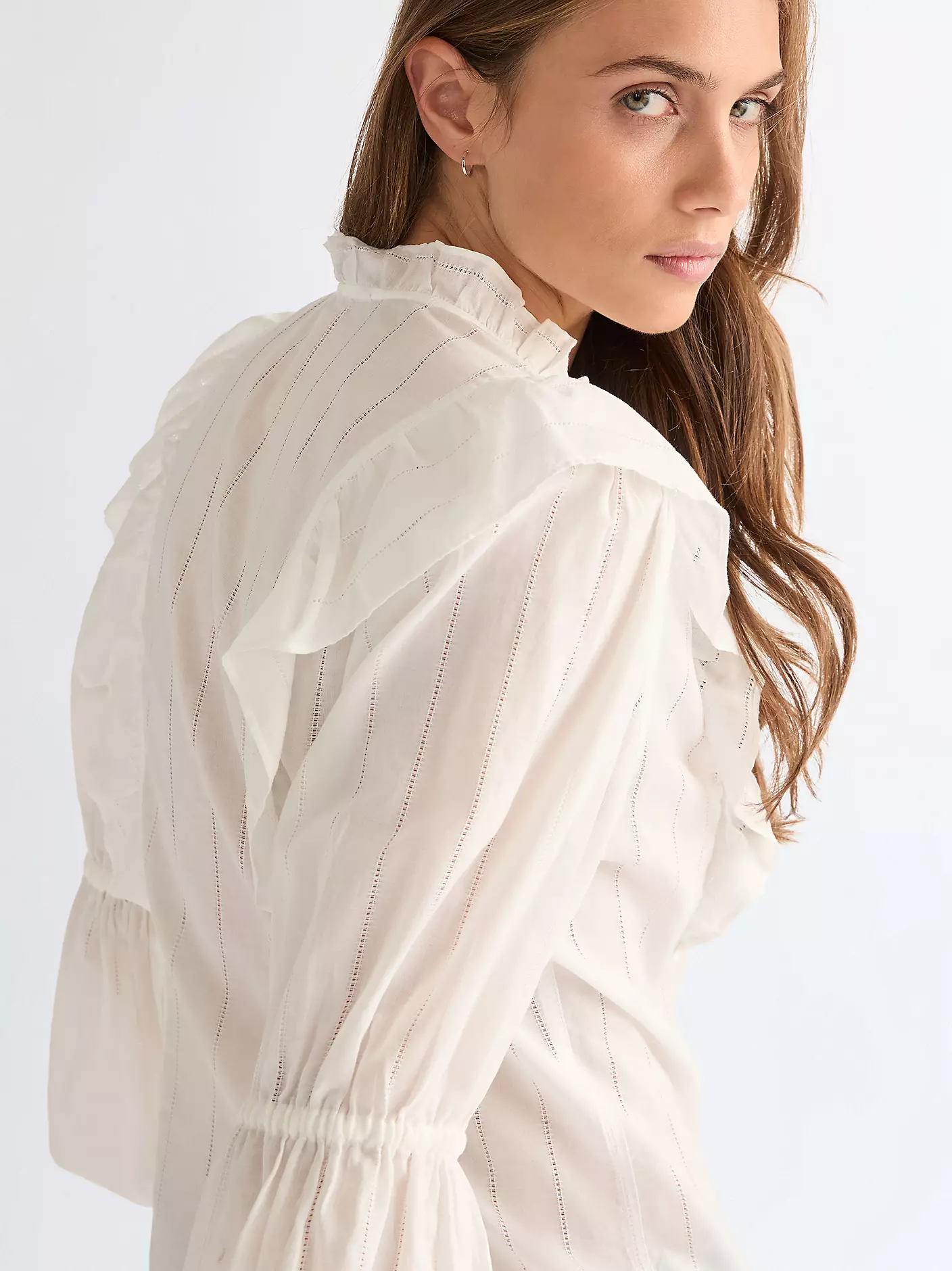
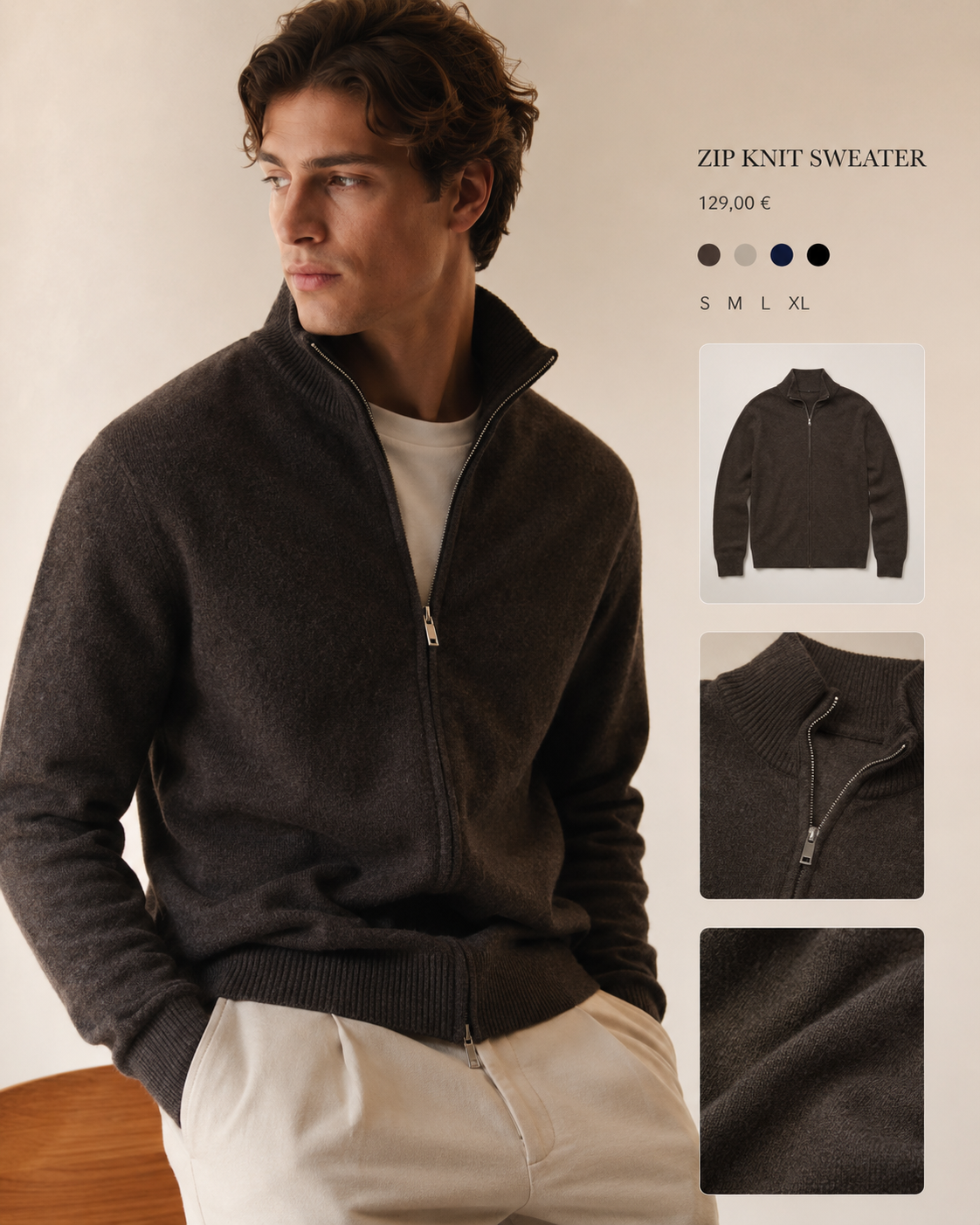
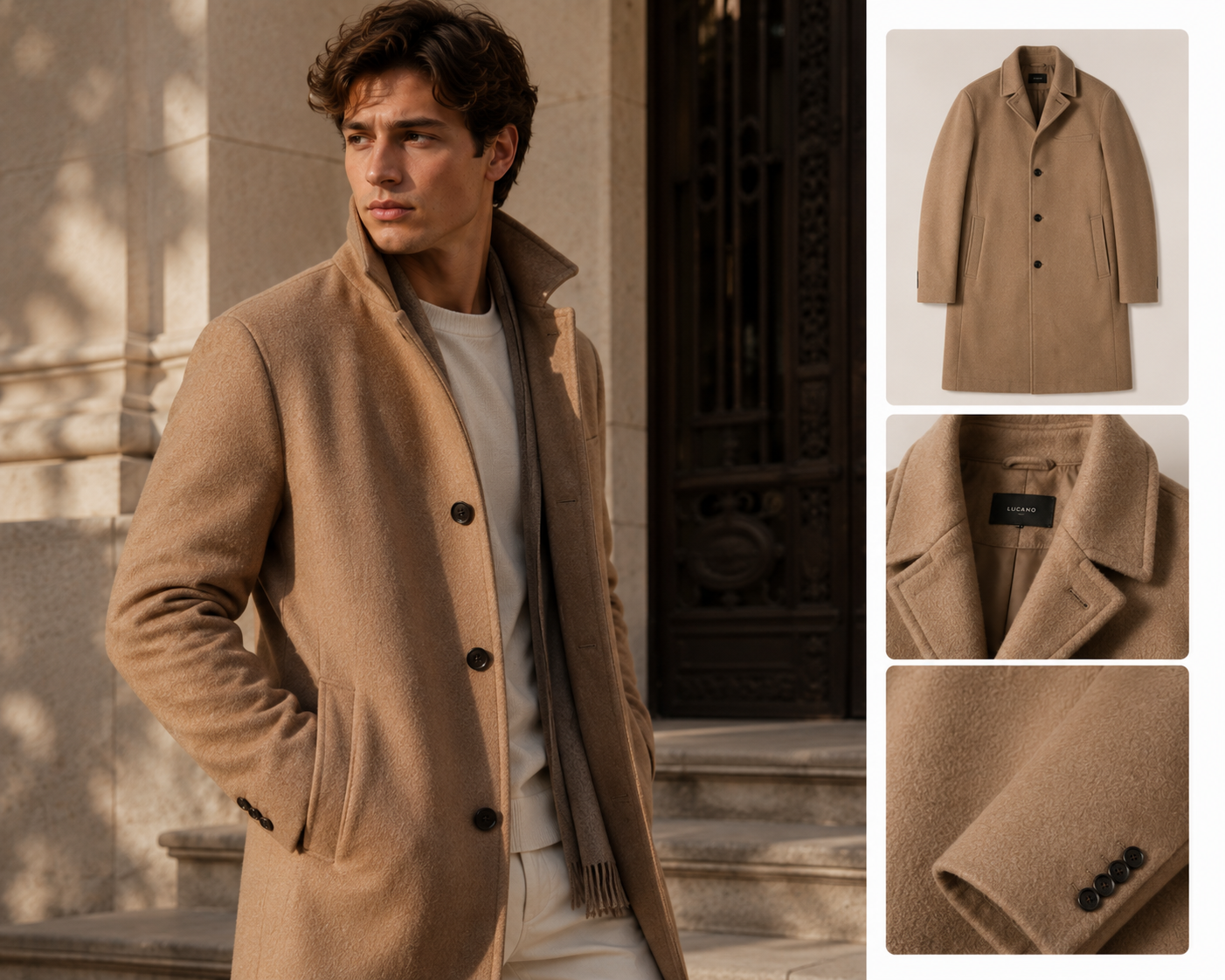




Existing listing images in. Premium motion out.
Turn existing listing images into premium product video at batch scale.
Modastream converts the product imagery you already have into on-brand motion and hosted outputs for premium commerce teams without an upload bottleneck.
How it works
No upload necessary. Modastream can use your static assets directly from the PDP.
The flow stays operational and premium: listing imagery is selected, converted, and delivered as clean catalogued outputs.
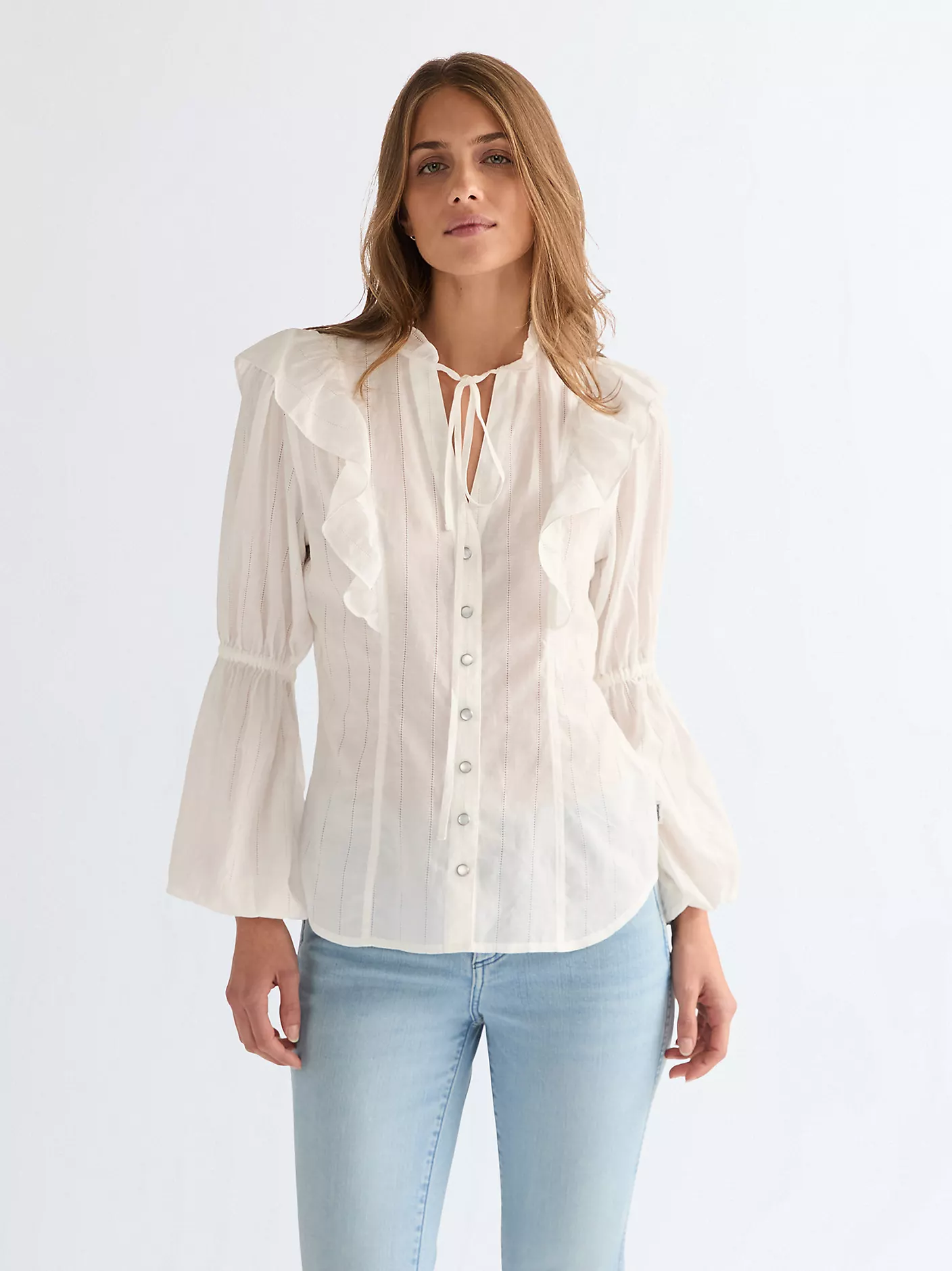
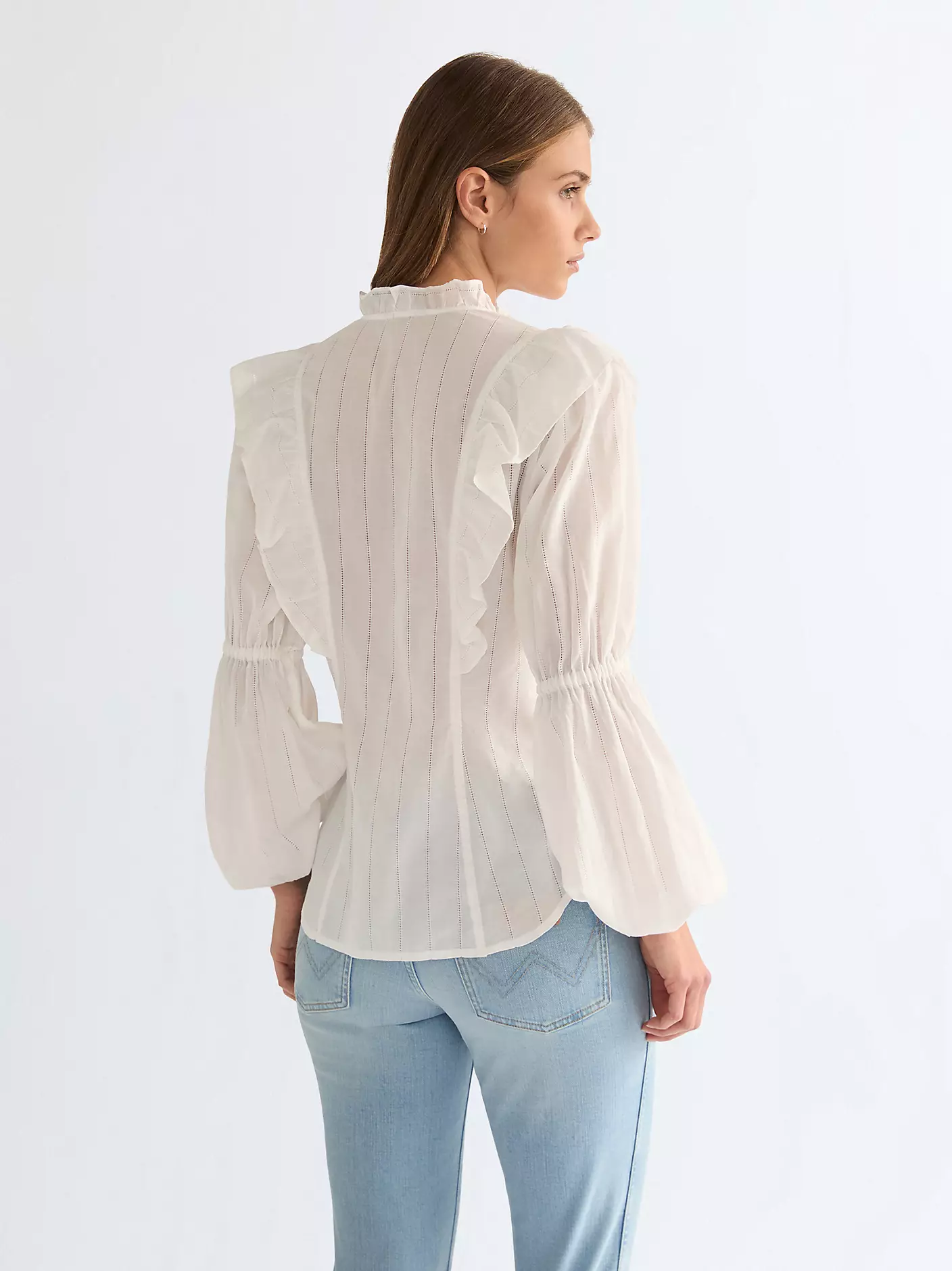
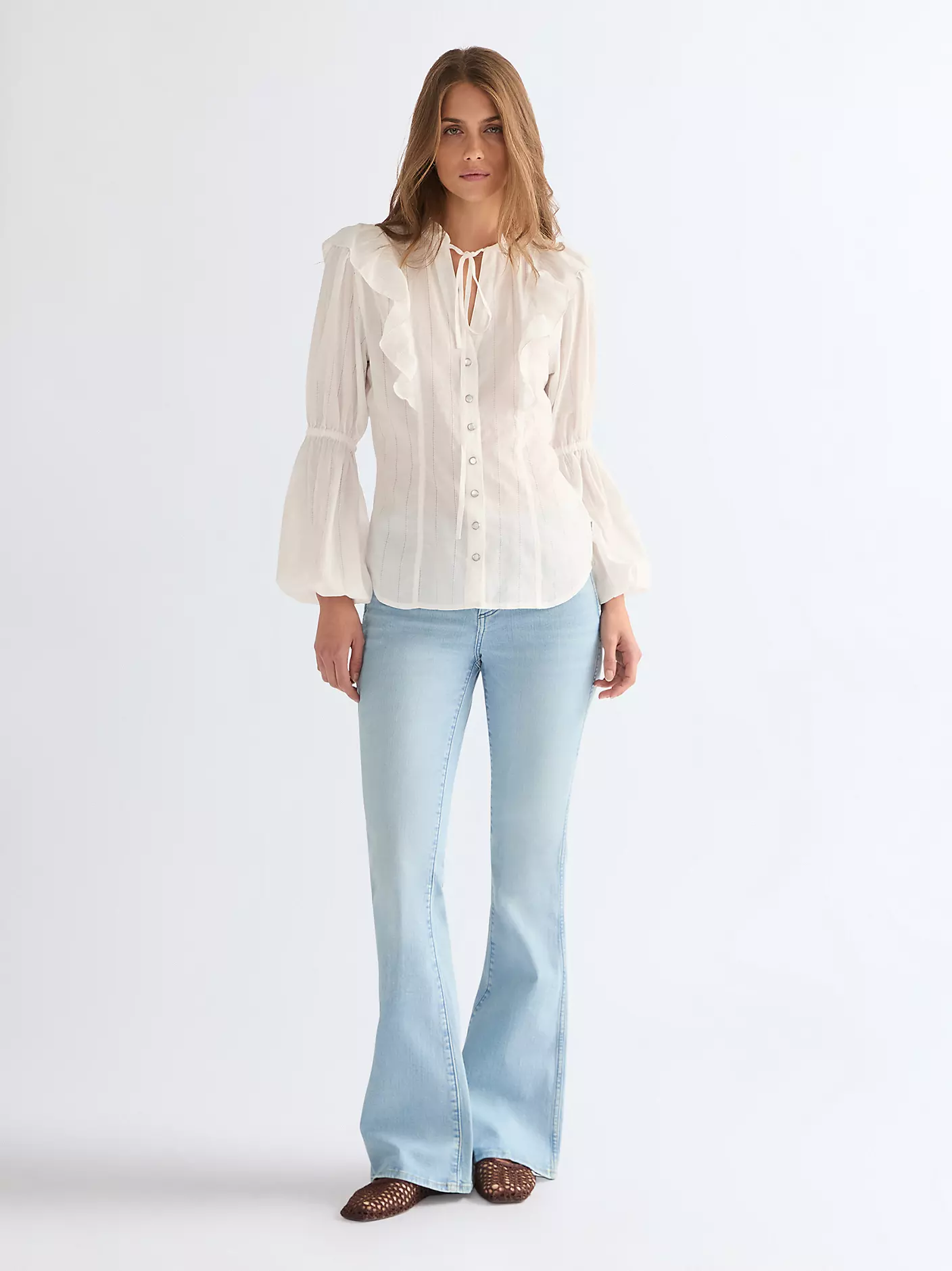
Modastream output
Vertical
Catalogued output
1

PDP / static assets
We read your existing image URLs and keep the source structure intact.
->
2
Modastream conversion
Selection, styling, and video generation happen on one managed conversion layer.
↗
->
3
Hosted outputs
Clean downloadable assets or direct integration paths for your existing workflow.
Square
Story
Vertical
Value added
Scale premium video production without rebuilding your asset pipeline.
The operational gain is the story: less manual production, less budget waste, and more product motion where conversion happens side by side.
Average asset cost per SKU stays below the gross margin of a single additional sale, so ROI can turn
positive after just one additional conversion.
"
Modastream gives fashion commerce teams motion at scale without another tool to manage.
It works from the product imagery already live in the catalog, without uploads or asset migration, and is
built for stable batch production.
Book demo
Book demo for live SKU conversion.
Use the first conversation to review your current asset source, rollout size, and where hosted outputs should land.
- Review your current PDP or listing source
- Map batch size and style direction
- Walk through hosted output and integration paths